> ## Documentation Index
> Fetch the complete documentation index at: https://docs.firepitcms.com/llms.txt
> Use this file to discover all available pages before exploring further.
# Introduction
> Welcome to the Firepit CMS documentation.
 ## Getting started
Start with installing the Firepit CMS
## What is Firepit CMS?
Firepit CMS is a powerful and intuitive content management system designed for modern web development.
It offers comprehensive features including product management, course categorization, user administration, and media handling capabilities.
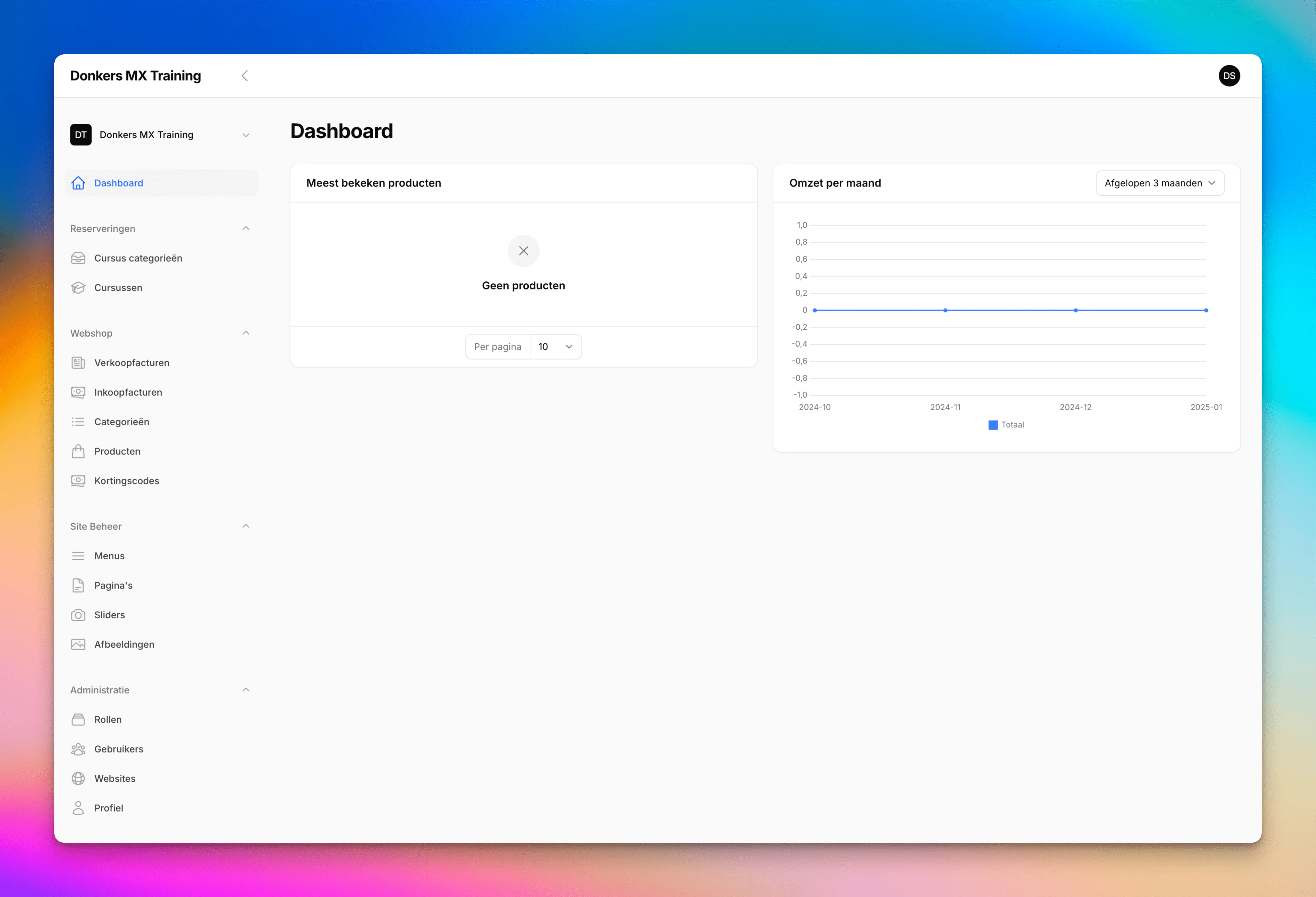
With its clean, user-friendly dashboard, Firepit CMS makes it easy to manage websites, handle e-commerce functionality, and organize digital content.
The system includes built-in support for managing users, roles, sales tracking, and inventory control, making it an ideal solution for businesses and educational platforms looking for a flexible and scalable CMS solution.
## Getting started
Start with installing the Firepit CMS
## What is Firepit CMS?
Firepit CMS is a powerful and intuitive content management system designed for modern web development.
It offers comprehensive features including product management, course categorization, user administration, and media handling capabilities.
With its clean, user-friendly dashboard, Firepit CMS makes it easy to manage websites, handle e-commerce functionality, and organize digital content.
The system includes built-in support for managing users, roles, sales tracking, and inventory control, making it an ideal solution for businesses and educational platforms looking for a flexible and scalable CMS solution.